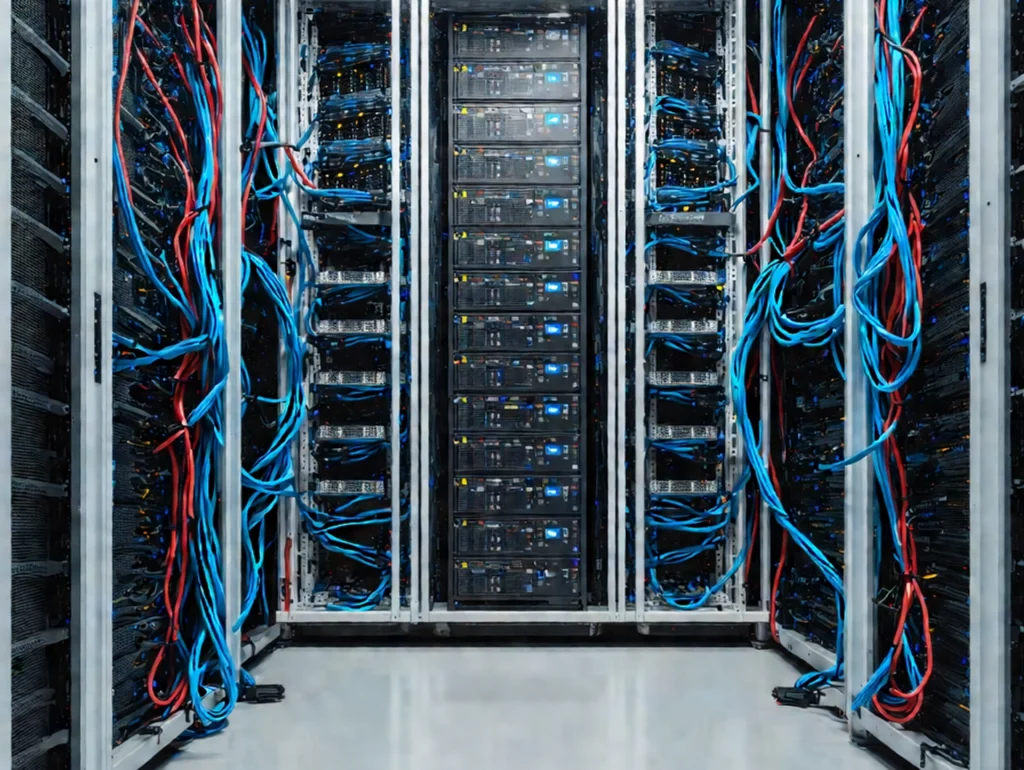
Best Practices for Data Center Rack and Stack Installation in 2025
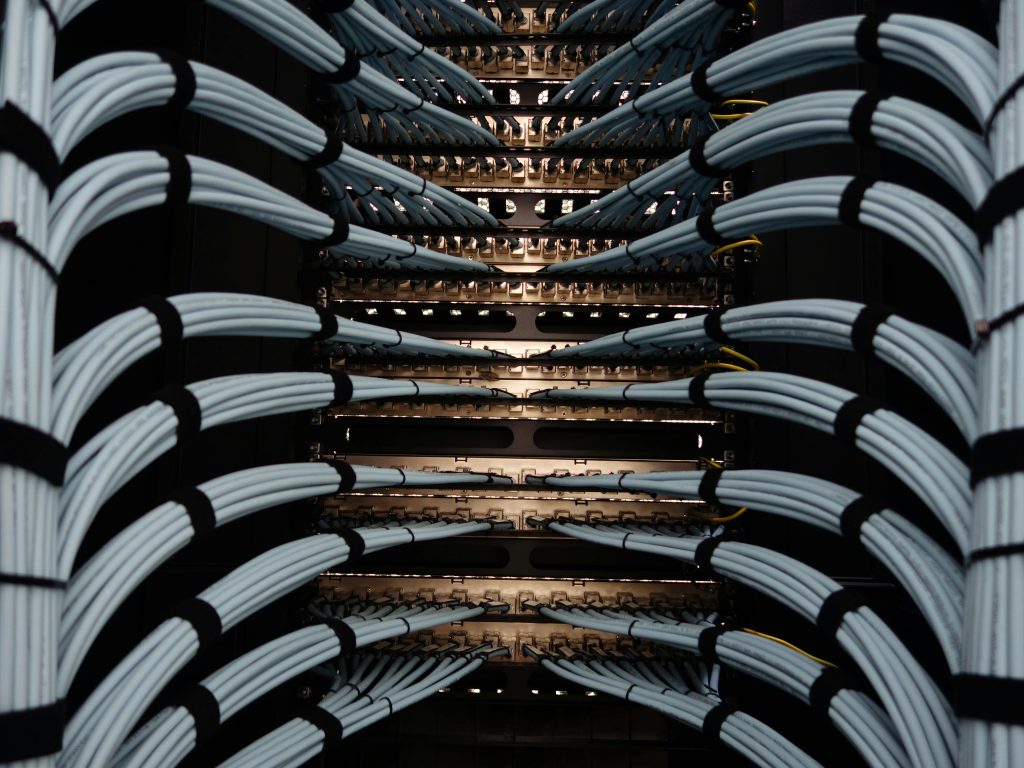
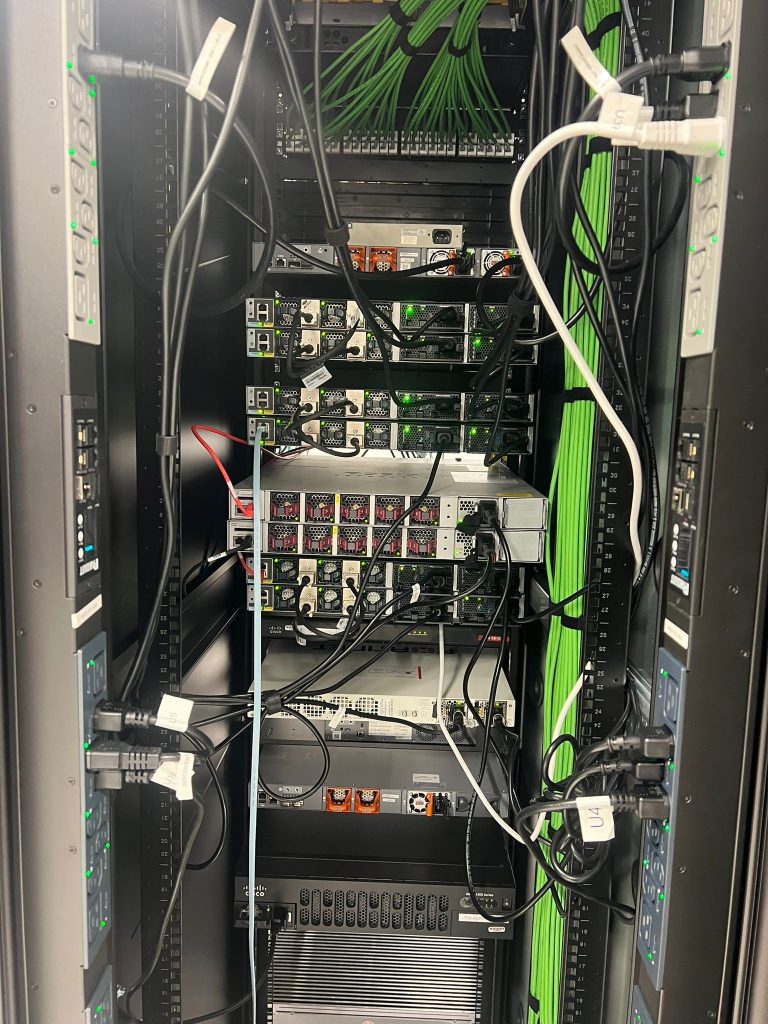
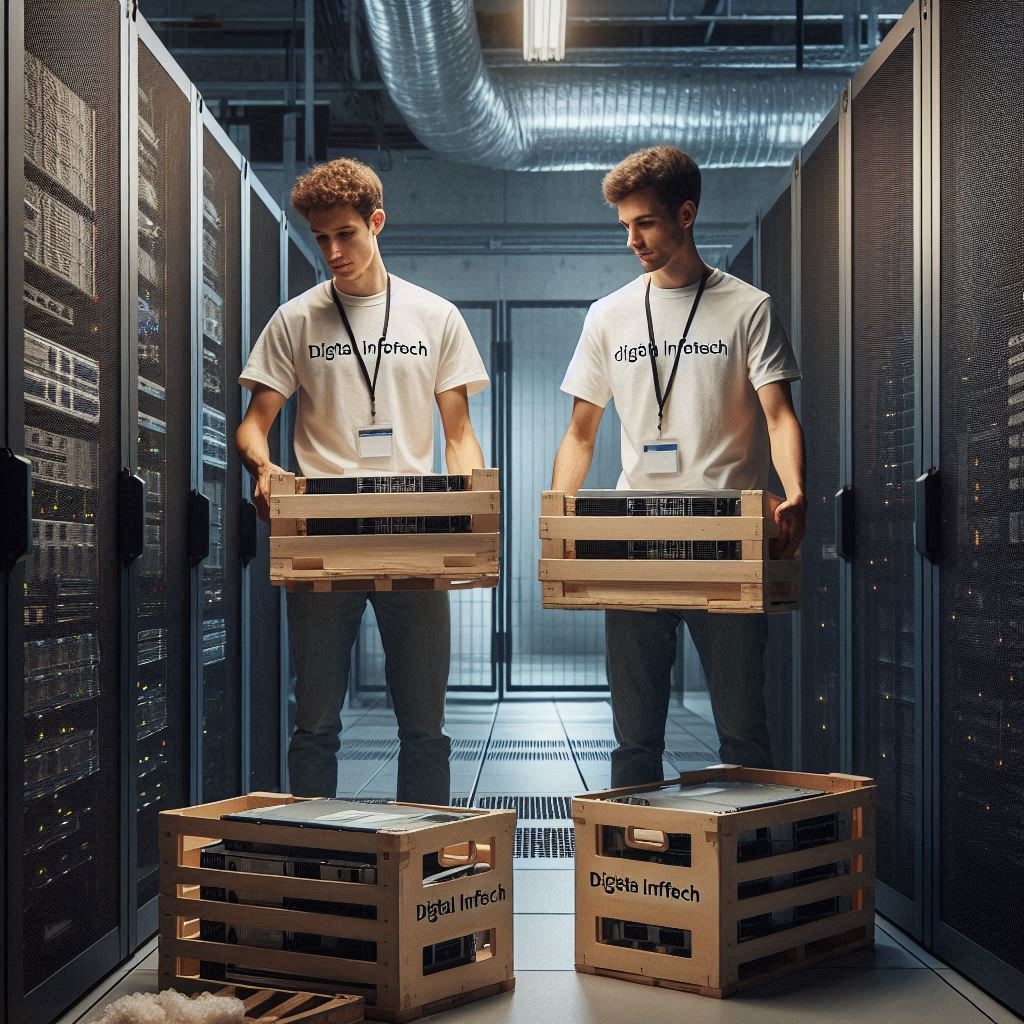
Best Practices for Data Center Rack and Stack Installation in 2025. Data centers are the backbone of modern technology, and ensuring their infrastructure is installed correctly can significantly impact performance and scalability. In 2025, as technology continues to advance, the importance of adopting best practices for data center rack installation is more critical than ever. This article explores the best practices for rack and stack installation, focusing on strategies that will help you optimize efficiency, minimize downtime, and future-proof your infrastructure. Digital Infotech, a leader in providing cutting-edge IT solutions, ensures that its data center installations are designed and executed with precision and the latest industry standards. By integrating Digital Infotech’s expertise, you can stay ahead in the competitive landscape of data center management. What is Rack and Stack Installation? Before we dive into the best practices, it’s essential to understand what rack and stack installation entails. The term “rack and stack” refers to the process of mounting and arranging servers, networking equipment, and storage devices into standardized racks within a data center. This process is crucial for organizing hardware in a way that maximizes space, allows for easy access, and ensures proper ventilation and power distribution. Rack and stack installation is not just about organizing equipment; it directly affects the overall performance, reliability, and scalability of a data center. Best Practices for Planning Your Data Center Rack Installation Planning is key when it comes to rack installation. Without careful consideration, you may face space limitations, poor airflow, and insufficient power distribution. Here are some best practices for planning your installation: Choosing the Right Equipment Selecting the appropriate racks, servers, and other hardware is the foundation of any successful data center rack installation. When choosing racks, make sure they can accommodate the size and weight of your equipment. Opt for adjustable racks to provide flexibility in the future. Additionally, ensure that your equipment supports the necessary power and cooling requirements. Overloading racks or selecting incompatible hardware can cause overheating, downtime, or damage to the equipment. Understanding the Physical Space Before starting, thoroughly assess the space in your data center. Ensure that the racks will fit properly without blocking airflow or making it difficult to access cables and ports. Consider factors like aisle space, airflow pathways, and proximity to power outlets. Cable Management Planning Cable management is one of the most overlooked aspects of rack installation. Poor cable management can lead to tangled cables, overheating, and difficulty troubleshooting. Develop a cable management strategy before you begin installation, and make sure to allocate space for both power cables and data cables. Step-by-Step Guide to Data Center Rack Installation Now that you’ve planned the installation, it’s time to execute it. Here’s a step-by-step guide to ensure the process runs smoothly: Step 1: Rack Placement and Positioning The first step is to determine the optimal placement of your racks. Keep in mind airflow and cooling requirements. For example, placing racks too close together can restrict airflow, leading to overheating. It’s essential to leave enough room between racks to ensure proper ventilation. Step 2: Mounting Equipment Securely Once your racks are in place, mount the servers and networking equipment securely. Ensure that all devices are aligned properly within the rack and that the equipment is fastened tightly to prevent any accidents or damage. Use rack-mounted rails or shelves to hold heavier equipment. Step 3: Power and Cooling Considerations Power and cooling are two critical factors in rack installation. Ensure that each rack is connected to the appropriate power sources and that you have enough outlets for all your devices. Also, position your equipment in a way that promotes effective airflow, ensuring that hot air is directed away from critical components. Step 4: Proper Cable Management Cable management is a crucial step in ensuring the longevity and performance of your equipment. Use cable organizers, Velcro straps, and cable trays to keep wires neat and tidy. Label cables for easy identification and future troubleshooting. Step 5: Labeling and Documentation Finally, label all your equipment and cables. Document the placement of each device in the rack and include information on power consumption, cooling needs, and network connections. Proper documentation will make future maintenance and upgrades much easier. Importance of Cable Management Proper cable management plays a pivotal role in a successful data center rack installation. By keeping cables organized, you not only ensure better airflow but also reduce the risk of overheating and electrical interference. Properly routed cables also make it easier to manage and troubleshoot the system when issues arise. Cooling and Ventilation Best Practices Efficient cooling is essential to prevent overheating, which can cause equipment failures. One of the best practices in rack installation is ensuring proper airflow. Utilize hot and cold aisle configurations to separate hot air from cold air, which helps maintain a more consistent temperature throughout the racks. When placing your equipment, ensure that there is adequate space for air to flow through the racks. Avoid crowding too much equipment into one area, as this will limit airflow and make cooling more difficult. Security Considerations in Rack Installation Security is crucial when it comes to rack installation. Not only do you need to protect your equipment from physical damage, but you also need to secure it against unauthorized access. Invest in lockable racks and cabinets to prevent theft or tampering. Additionally, consider implementing remote management tools and access controls to monitor the racks’ performance and usage. Best Practices for Rack Space Utilization Data centers are often limited by available space, so it’s essential to optimize rack space effectively. Avoid overcrowding racks with too much equipment, as this can lead to overheating and make maintenance more difficult. Instead, prioritize efficient use of space by organizing equipment vertically and horizontally. Common Mistakes in Rack Installation and How to Avoid Them Here are some common mistakes that many make during rack installations: How to Ensure Compliance and Safety Standards Data centers must adhere to various industry standards and regulations, including those for power, cooling,
Best Practices for Data Center Rack and Stack Installation in 2025 Read More »